
Change how your app is installed, started or configured, for example when an engineer rotates an API key. Every change is tried on a fresh test environment first, so a change that breaks setup or keeps the app from starting is never saved.
Before you start
A connected codebase that finished setup. See What happens during setup.
Steps
Open the codebase from CODEBASES in the sidebar and click the … button next to its name.
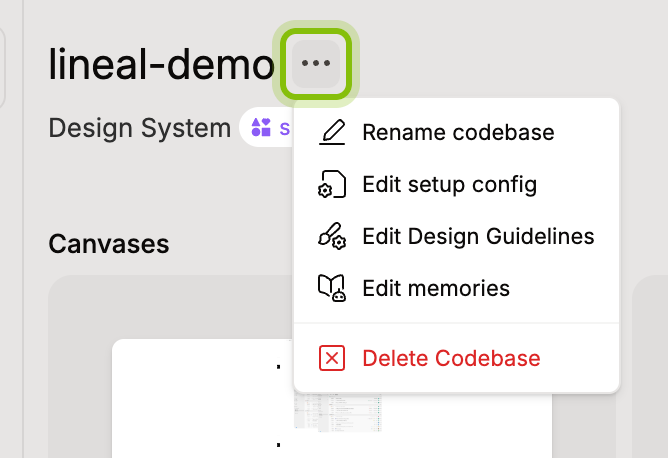
Click Edit setup config. The dialog lists Setup script, Dev server and Environment variables.
Open the section to change and edit it.
Setup script: the commands that install and build your app, one per line. They run top to bottom and stop at the first command that fails.
Dev server: the Command that starts your app and the Port it answers on.
Environment variables: one
KEY=valueline per variable, with saved values masked. Leave a masked value as it is to keep it, or type a new value after=. Delete a line to remove its variable.
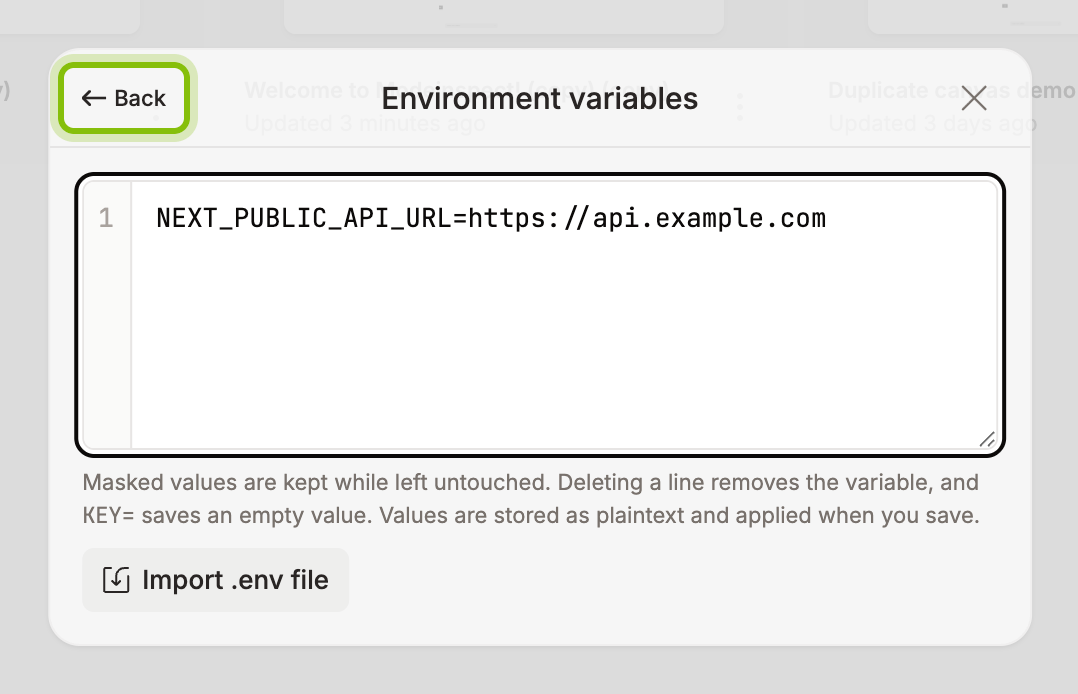
Click Back, then click Update. The button reads Verifying… while your setup replays with the changes.
When the run passes, the toast Setup config saved confirms it and the dialog closes. Variable and dev server changes reach an open canvas the next time its environment starts. A setup script change reaches only canvases created after the codebase finishes rebuilding in the background.
When the run fails, nothing is saved. A red dot on Setup script or Dev server marks the section that failed. Open it to see why: the script's exit code and the end of its output when the run recorded them, or the dev server's error. With no dot, a red message beneath the sections says what failed. A message that the run timed out or was cancelled is about the latest run, even when a dot from an earlier run is still shown.
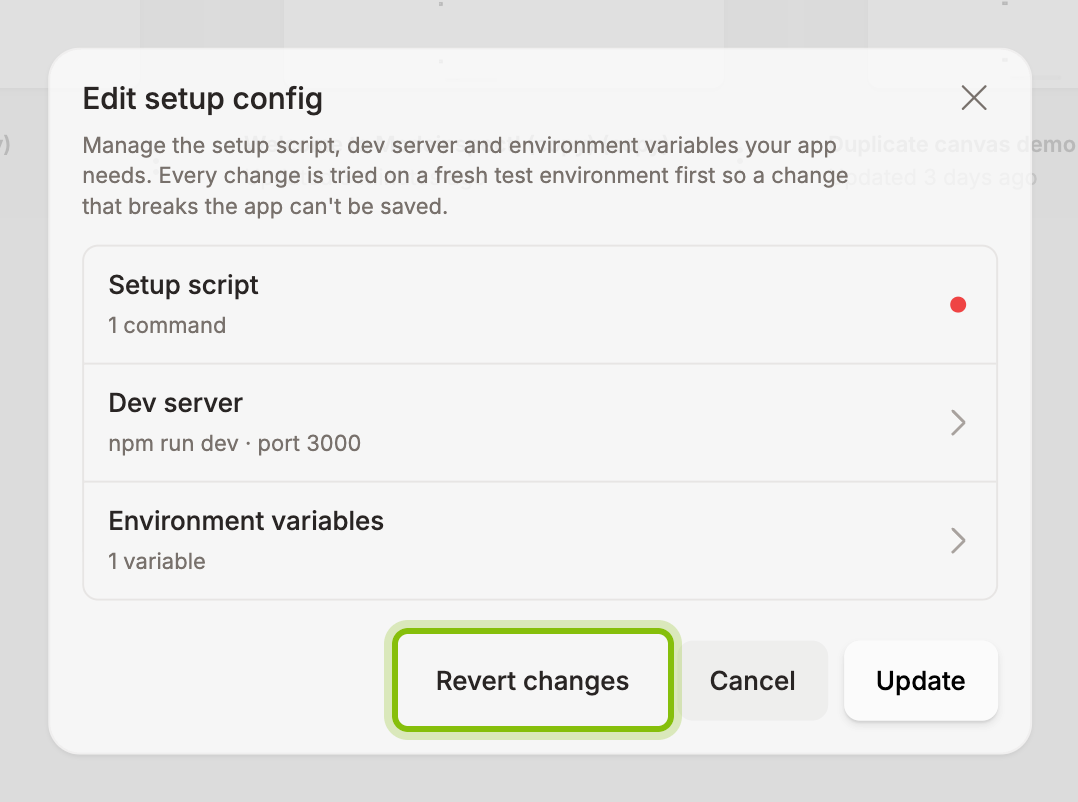
Fix it, click Back, and click Update again. Or click Back, then Revert changes to go back to the saved config.
If it does not work
Update is disabled: the setup script has no command, or lines are listed under the Environment variables text area. Add a command, or fix or delete each listed line. A line needs a name and
=, and a codebase holds up to 100 variables.A value with
$is listed: put the value in single quotes to keep the$as typed."The dev server needs a command.": you emptied Command on Dev server. Type the command that starts your app.
"Another verification is still running for this codebase": wait for it to finish, or close and reopen the dialog to pick it up.
Verification takes a long time: Cancel verification appears after two minutes. A run that takes too long stops by itself with Verification timed out before it finished. To retry, click Revert changes, redo your change, then click Back and Update.