
When Auto-setup cannot find a value in your code, it stops and asks you. Setup waits until you answer, so answer as soon as you see Auto-setup needs your input.
Before you start
Have the value at hand. If you do not know it, click Send to coworker at the top of the page and hand the setup to an engineer instead.
Steps
Open the setup. If you left the page, click the codebase under CODEBASES in the sidebar. A blue dot marks a setup in progress. The panel Auto-setup needs your input states the question and, below it, why the agent asks.
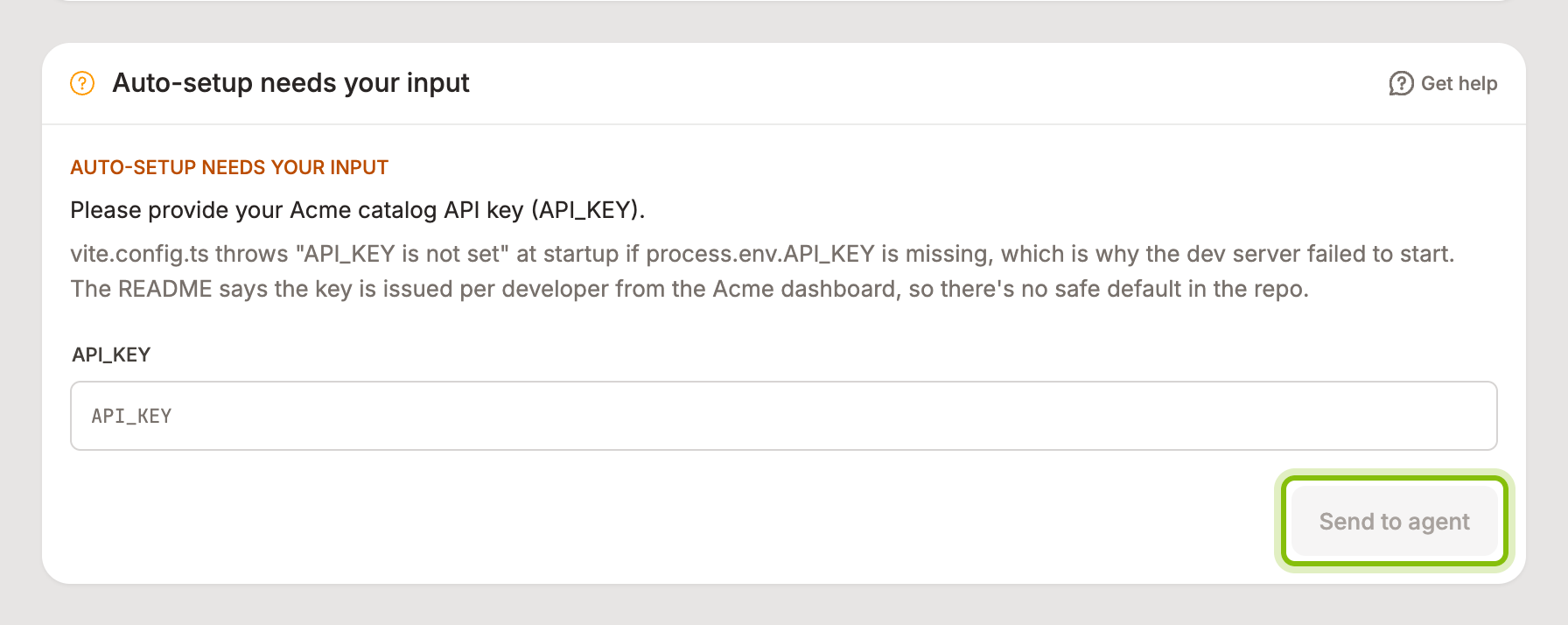
Fill in what it asks for. The form matches the question.
One environment variable: a field named after the variable, such as
API_KEY.Several environment variables: a field for each under Provide values.
A configuration file: Add file, then check the path the agent expects.
A decision: a choice under Choose one, or a text box under Your answer.
Click Send to agent. The panel changes back to Auto-setup is running in sandbox and the log continues from where it stopped.
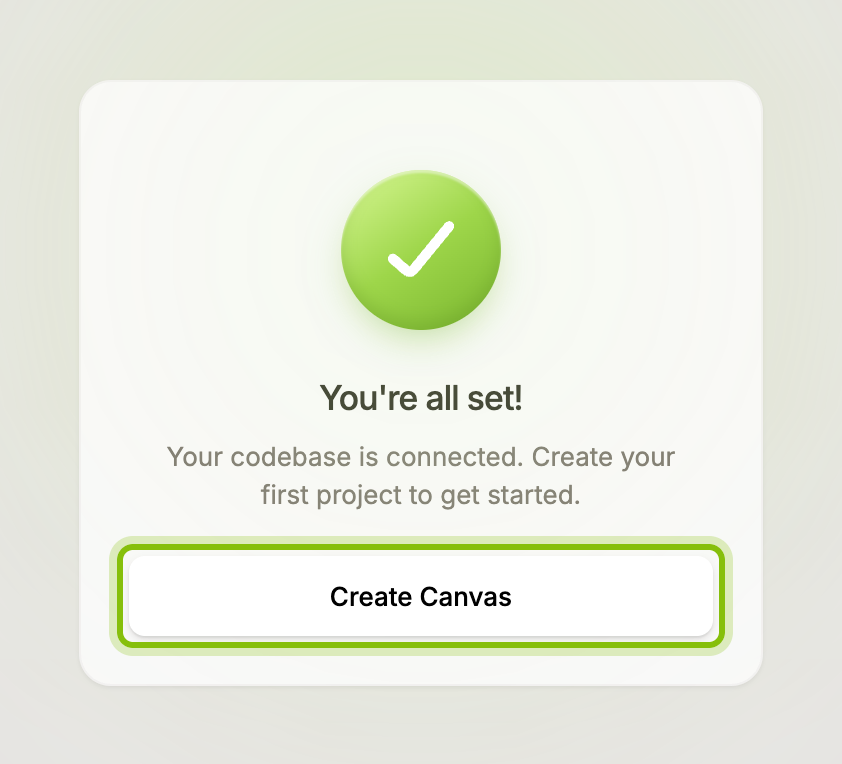
Auto-setup may ask again if it finds something else it cannot resolve. When it is done, the panel reads Verifying codebase while the recorded steps replay on a clean copy of your code. Then the card reads You're all set!, and Create Canvas opens your first canvas.
Values you give here are stored with the codebase. You can change them later with Edit a codebase's secrets.
If it does not work
Send to agent stays disabled: every field in the form needs a value.
There is no Skip button: the agent marked the value as required. Skip appears only for optional values and tells the agent to continue without one.
You are not sure what the agent wants: click Get help. It opens the in-app assistant with the question already filled in.
The panel says Setup paused and "This is taking longer than usual": Auto-setup used up its time. Click Resume setup to let it continue.
The panel says Auto-setup ran into an error: click Retry setup. If it fails again, contact support.
"Failed to submit. Please try again.": the answer did not reach the agent. Click Send to agent once more.