
Attach a frame so the agent works from it: a capture you edited, or a frame you drew that should become part of the app.
Before you start
A canvas of a codebase whose setup has finished, with a frame on it: a capture, see Capture a live page or selection, or one you drew.
Steps
Right-click the frame and pick Add to Build Chat. The same button sits at the top of the design panel.
Build Mode opens. The frame sits above the message field as a chip with its name, the Source frame. For a capture, the element it came from is outlined on the stage and appears next to the frame as a green chip.
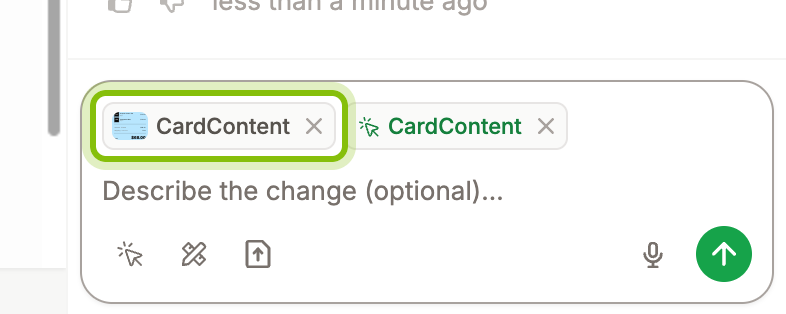
Type what to change, or leave the field empty. An empty send gives the agent the instruction "Apply this frame's design changes to its source code."
Click the arrow at the right of the field to send. The agent replies with what it changed and in which file.
To attach more frames, select them together first, or add them one by one while the chat is open. A message carries up to 5 frames. Click the × on a chip to take a frame out before you send.
A frame you drew
A drawn frame has no source, so nothing is outlined on the stage when you attach it. Tell the agent where it goes. Press ⌘ E and click the element on the stage that the frame should replace or sit next to. It appears as a green chip next to the Source frame. Or name the page and the place in your message. A good target is the smallest element that contains the whole change.
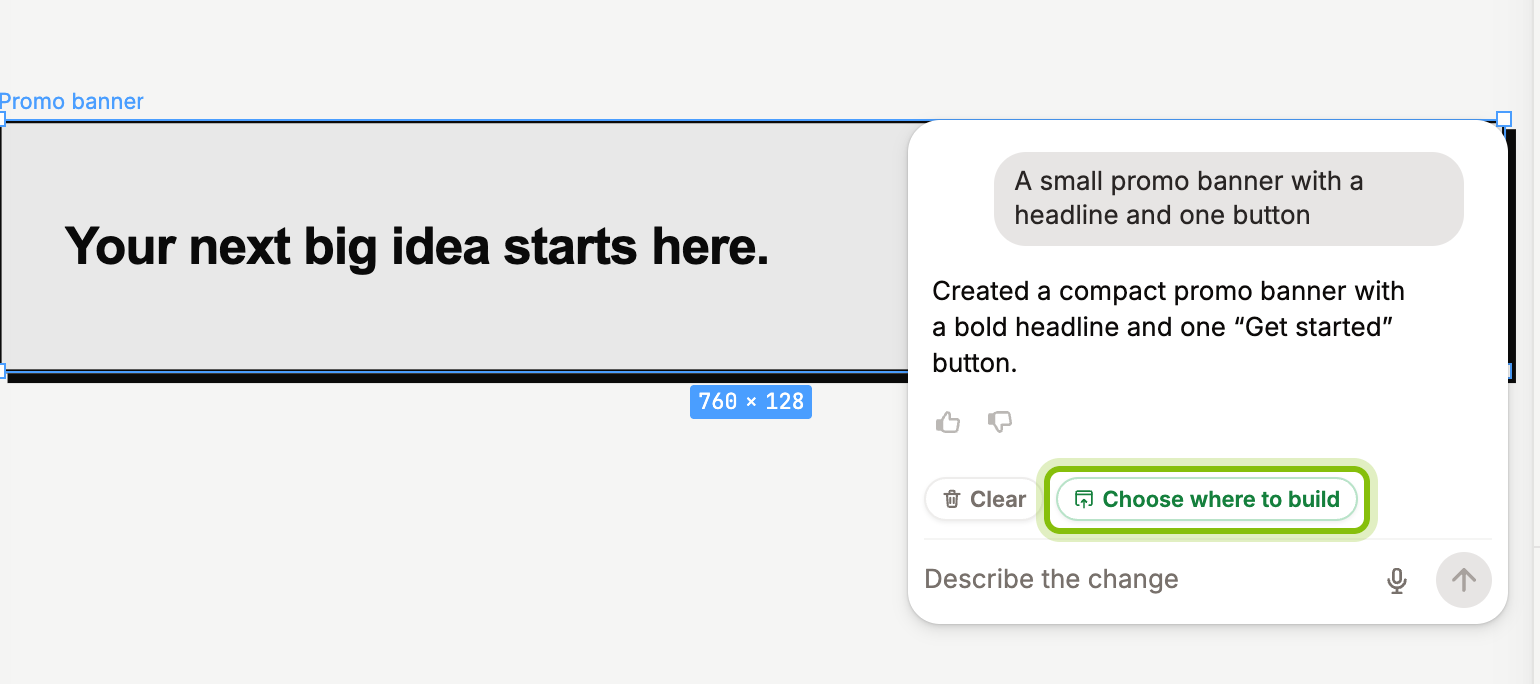
The canvas agent's card attaches a frame too. After it has answered on a drawn frame, the card offers Choose where to build where a capture's card says Add Frame to Build Chat. Both attach the frame.
If it does not work
Add to Build Chat is greyed out: the selection is a Portal, not a frame. Select the frame, or a layer inside it.
"Up to 5 frames per message": the sixth frame was left out. Send the message, then attach the rest to the next one.
The chip shows the whole capture, not the layer you selected: a layer inside a capture attaches the capture it belongs to. Capture the part you mean on its own.