
A blank codebase gives you a draft: a canvas with an empty page running in a Portal and no repository behind it. Use it to sketch before there is a project to connect, or to try the agents without touching your team's code.
Steps
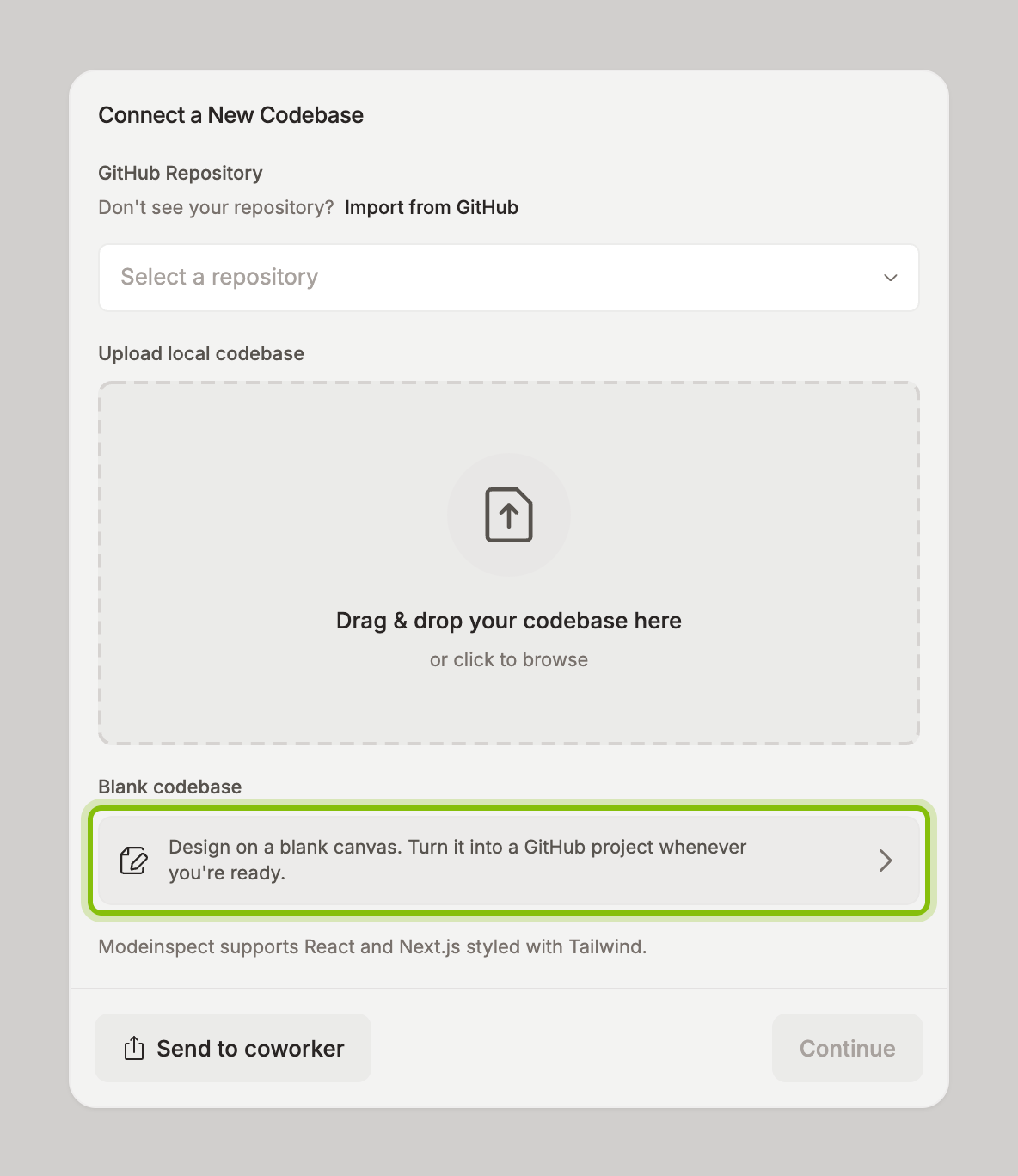
Click Add Codebase in the sidebar. Codebase Setup opens with Connect a New Codebase.
Under Blank codebase, click Design on a blank canvas. Turn it into a GitHub project whenever you're ready.
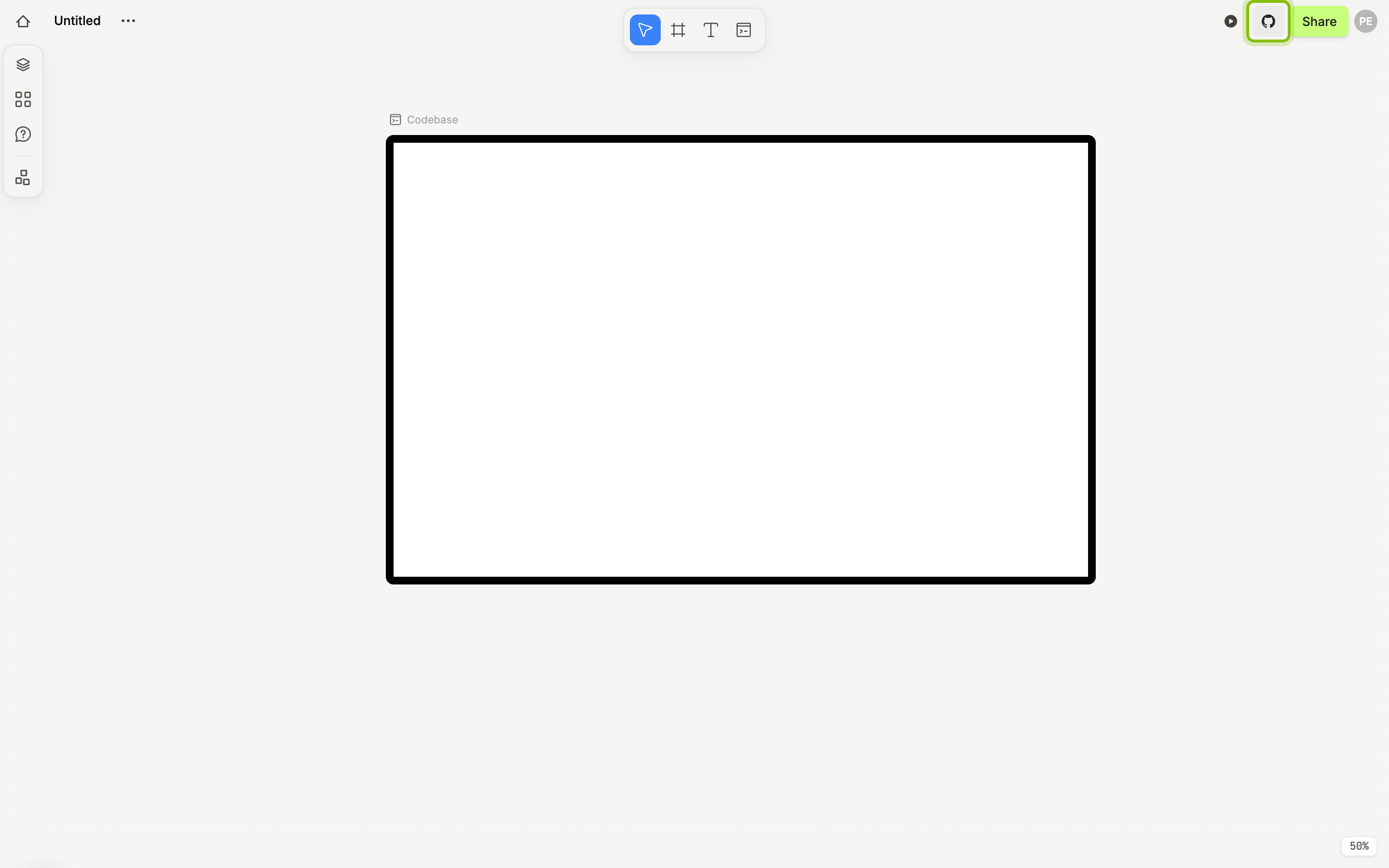
A canvas named Untitled opens with one Portal, Codebase, showing an empty page. The canvas is listed under Drafts in the sidebar, next to the demo canvas. New Draft on that page creates another one.
Turn the draft into a GitHub project
When the design should live in a repository, click the GitHub button left of Share in the canvas header. In Create a GitHub project, fill in a Name, choose whether it is a Public repository, and click Create.
If it does not work
The Portal stays black: the page is still starting. It turns white after a few seconds.