
Memories are short notes the agents write about your codebase while they work: a convention you told them, a correction, where something lives. Every later session on the codebase reads them. That is why an agent follows a rule you gave a different agent last week.
How it fits
The canvas agent and the coding agent both save and read memories. They save when you state a preference, correct them, ask them to remember something, or make a decision that later work must respect. They do not save what the code already says or one-off instructions. A key or a token in a memory is refused.
A memory has a Name, a one-line Description that every session sees, and the Content an agent reads when the description matters for its task. A newer memory wins over an older one. Your message always wins over a memory.
To make an agent remember something, say so: "Remember for future sessions that copy in this store uses sentence case." The next session on the codebase sees it.
Memories differ from design guidelines: you write the guidelines, the agents write the memories. See Write design guidelines for the agent.
Edit or delete a memory
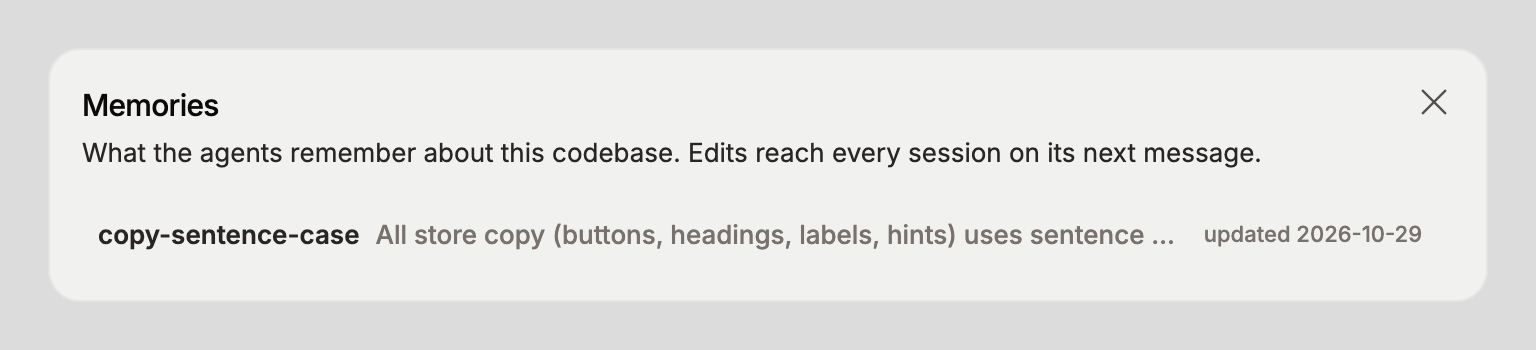
Open the codebase from CODEBASES in the sidebar, click the … button next to its name, and pick Edit memories. The Memories dialog lists every memory with its name, description, and the date it was last updated.
Click a memory. Name and Description are read-only. Change the text in Content and click Update.
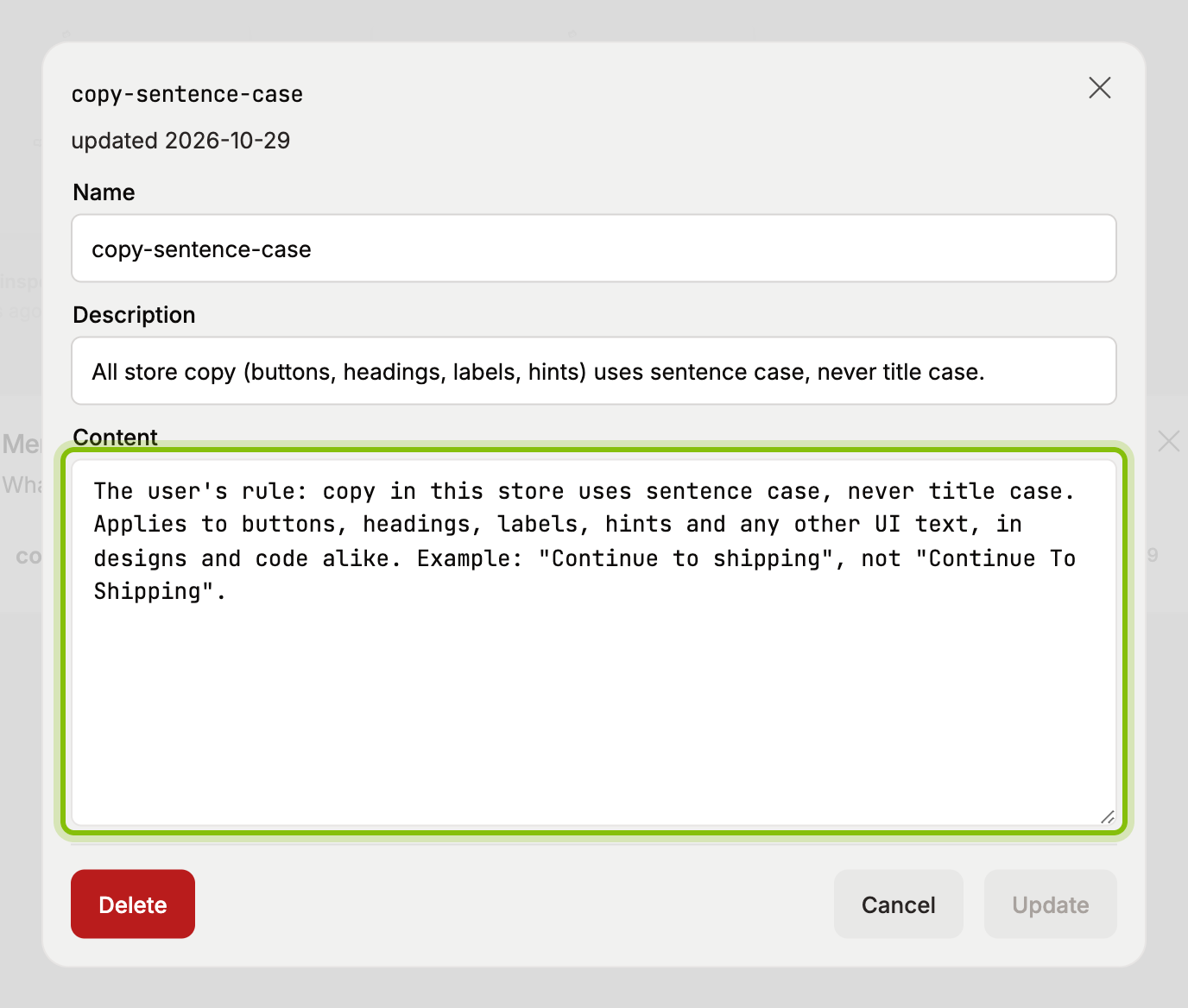
To remove it, click Delete and confirm in Delete memory?.
An agent that is already in a conversation sees your edit on its next message.
What it does not do
Memories hold rules and facts about the codebase, not a chat's history. Clearing or archiving an agent does not touch them.
Memories belong to one codebase. Another codebase has its own.
An agent can be wrong about what it saved. Read the list after a session where it learned something, and fix the Content.