
Uploading a zip starts setup from a copy of your project instead of a GitHub repository. Use it when the code is not on GitHub yet, or when nobody can install the GitHub App right now.
Before you start
Zip the project folder itself, the one that contains
package.json. Leave outnode_modulesand build output: they are not needed, and the zip has to stay under 300 MB.Modeinspect supports React and Next.js styled with Tailwind.
Steps
Click Add Codebase in the sidebar. Codebase Setup opens with Connect a New Codebase.
Drag the zip from your file manager onto Drag & drop your codebase here. The area turns blue while you hold the file over it.
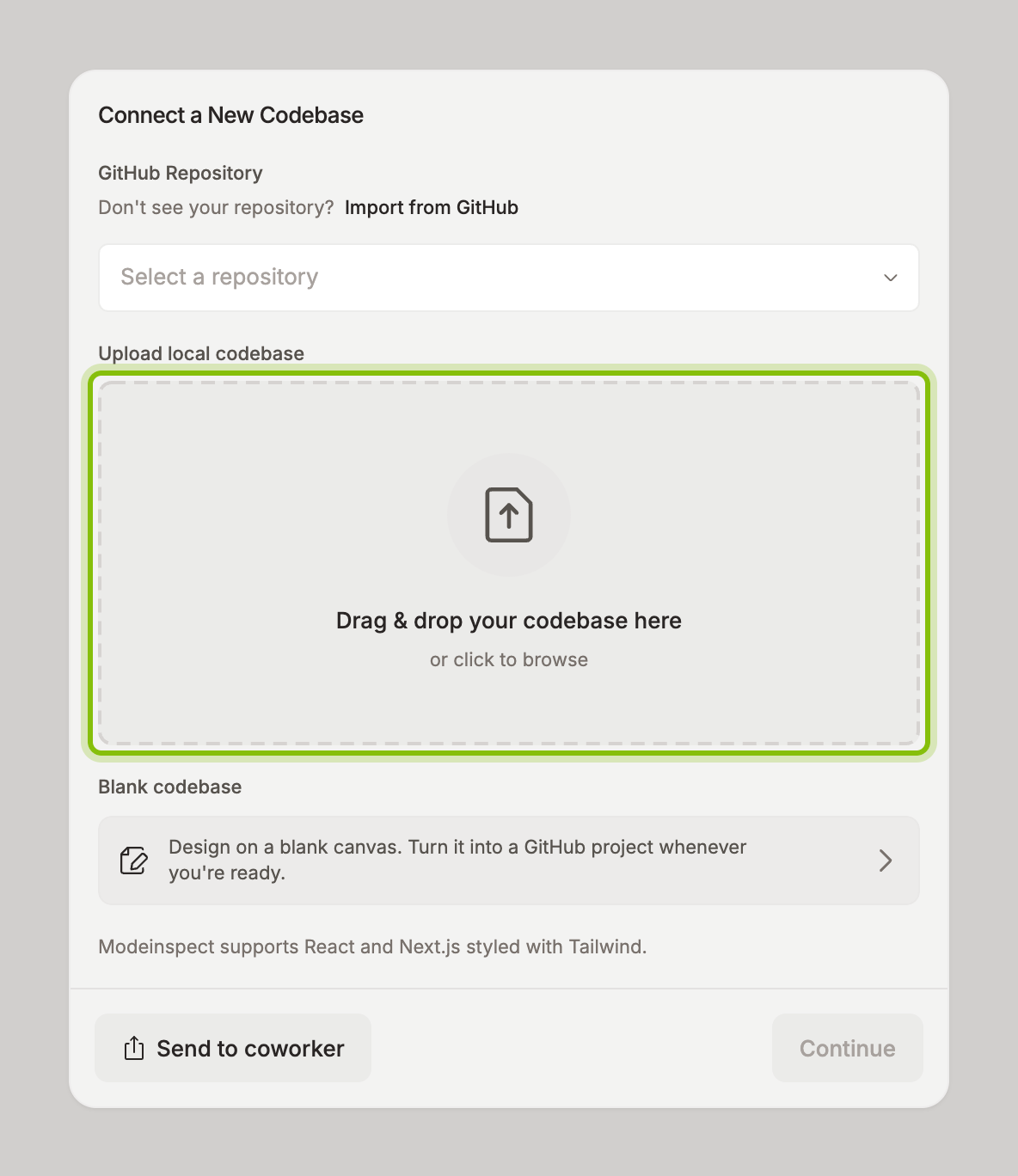
Drop it. The card shows the file name and its size, with Change to pick a different file.
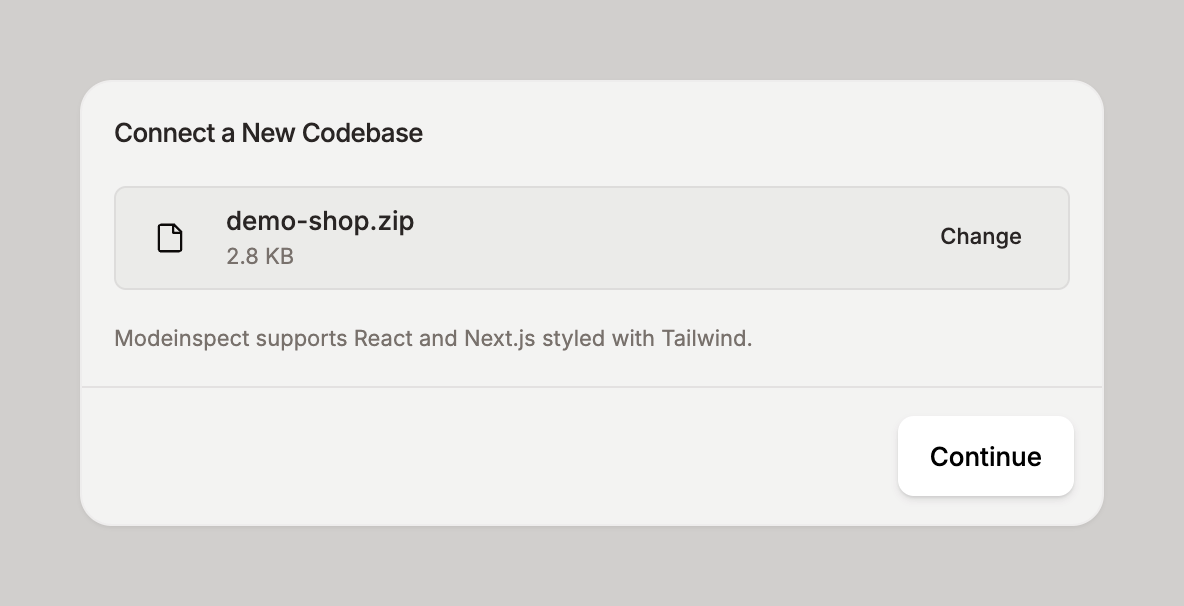
Click Continue. The card fills up while the file uploads, then Codebase setup opens with the name of your project. What follows is in What happens during setup.
Note: Clicking the upload area instead of dropping onto it opens a folder picker, not a file picker. Pick your project folder there to upload it without zipping.
node_modulesand.gitare skipped.
If it does not work
Codebase exceeds our 300MB limit: the zip is too big to upload. Remove
node_modules, build output, and large media from the folder, zip it again, and drop the new file.