
Every canvas card has the same menu, on Home, My work, Drafts, and the codebase page. Click the three-dot button on the card, or right-click anywhere on the card, to open it.
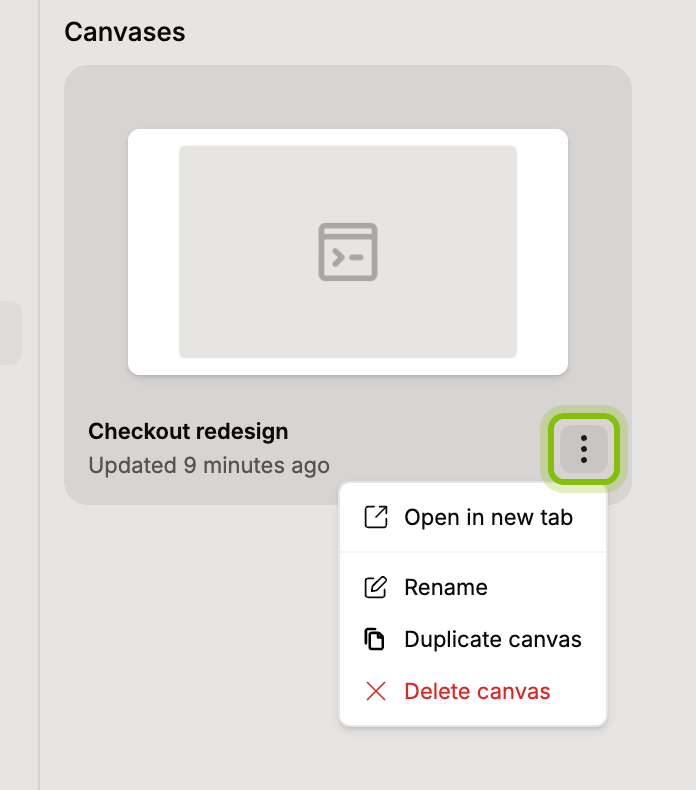
Open in new tab opens the canvas in another browser tab and leaves this one where it is.
Rename a canvas
Click Rename. Rename canvas opens with the current name filled in.
Type the new name and click Rename. The card shows it right away.
Duplicate a canvas
Click Duplicate canvas, and when the Canvas created message appears, click Open in it. The copy keeps every page, layer, and Portal and starts a branch of its own, see Duplicate a canvas.
Delete a canvas
Click Delete canvas. Delete canvas? names the canvas and warns that this cannot be undone.
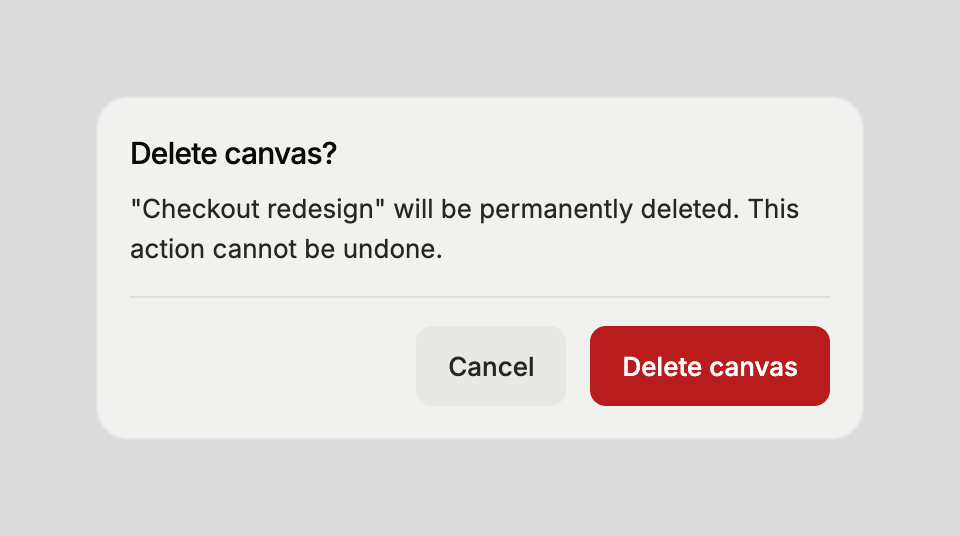
Click Delete canvas. The card disappears from every list.