
Open Build Mode on the page you want to change, move to another page of your app, and come back to the canvas. Every build starts this way.
Before you start
A canvas with a Portal whose app has started, see Add a Portal to the canvas.
Steps
Select the Portal. The design panel shows Open Build Mode at the top.
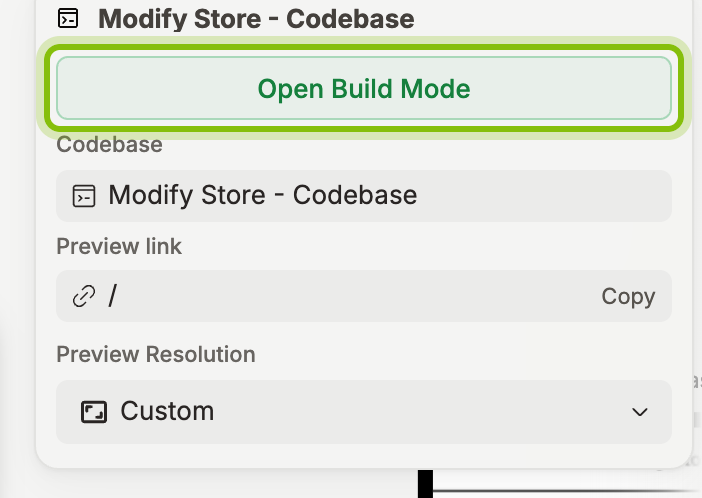
Click Open Build Mode. Your app fills the stage on the left, the chat sits on the right, and Back to Canvas replaces the canvas name at the top left.
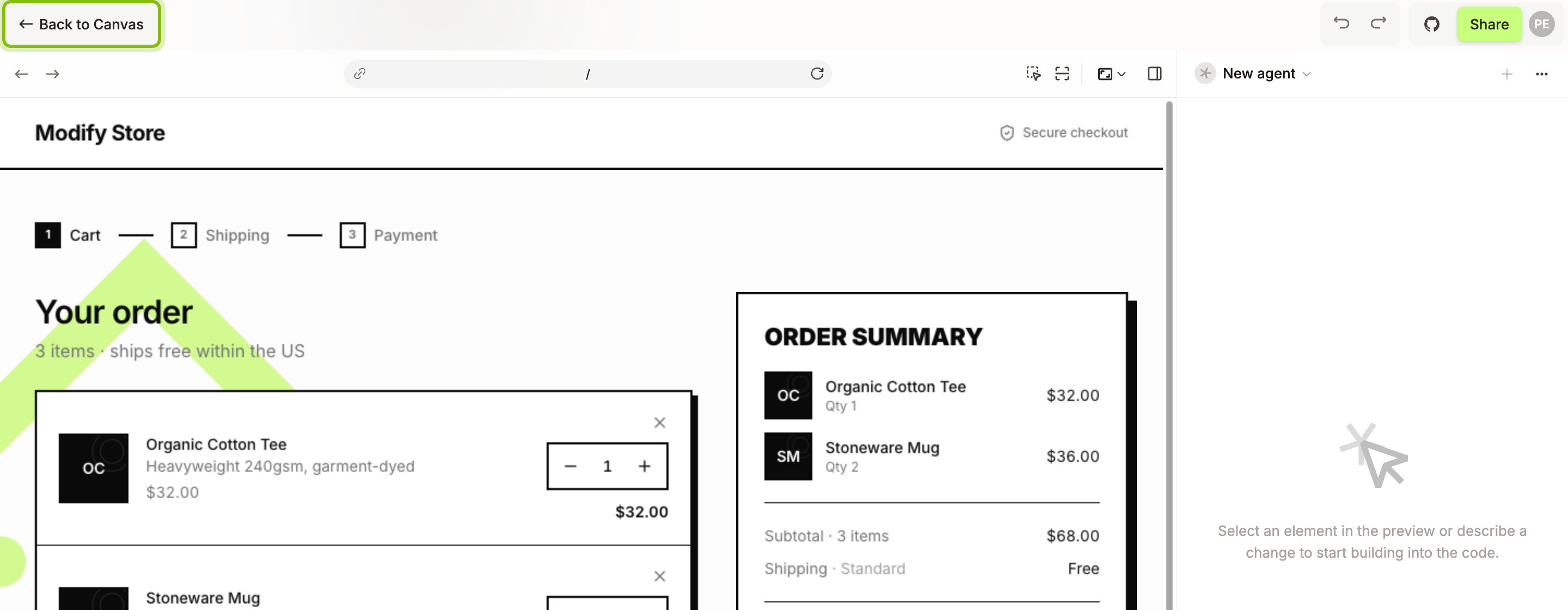
Click through the app on the stage to reach the page you want. The arrows at the left of the toolbar are Back and Forward, the button at the right end of the address bar is Reload.
To jump to a page, click the address bar, type its path, and press
Enter.
To share the page, click the link icon at the left end of the address bar, Copy link to this page. The toast reads "Link copied".
You now see the page you want to change. Select an element in the preview or describe a change in the chat, and the agent starts. Back to Canvas takes you back. Esc does the same once nothing is open in Build Mode.
Other ways in
Right-click a frame and pick Add to Build Chat. Build Mode opens with the frame attached to the chat. The same button is at the top of the design panel while a frame is selected.
After the canvas agent has answered on a frame, its card offers Add Frame to Build Chat. A frame that did not come from your code shows Choose where to build instead.
Shortcuts
Keys | What it does |
|---|---|
| Hide the chat so the stage takes the whole width. Press again to show it. |
| Select: a click on the stage picks an element for the chat |
| Open the Design tab, where you edit the styles of an element |
| Go back to clicking through the app |
| Close what is open, one step at a time, then Build Mode itself |
If it does not work
Back and Forward are greyed out: there is no page to go back or forward to yet. They light up once you move to another page.
"Preview failed" in place of the address bar: the app did not load. Click Retry. If it fails again, Fix with agent hands the error to the agent.
Open Build Mode is not in the design panel: the selection is a frame, not a Portal. Use Add to Build Chat there, or select the Portal.