
Give the agent a picture of what you mean: a mockup, a screenshot of another app, a photo of a sketch. The agent reads it as a reference for the change you describe.
Before you start
Build Mode open on the page you want to change, see Open Build Mode and move around your app.
Steps
Copy the image and press
⌘ Vin the message field, or drop the image file onto the field. It appears above the field as a chip with a thumbnail and its name.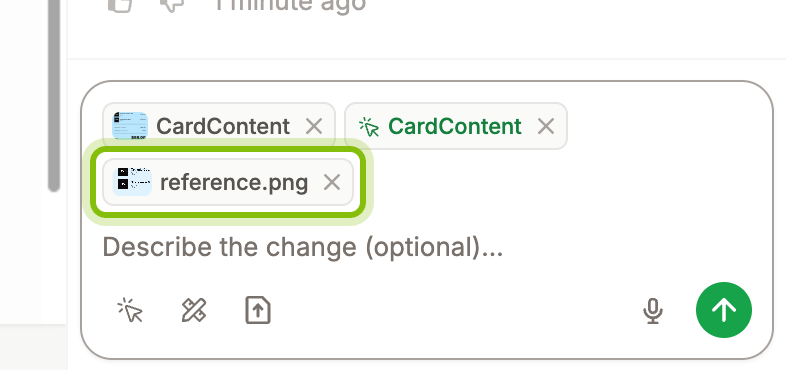
Write what the image shows and what to take from it, for example "Match the spacing of this card, keep our colors."
Click the arrow at the right of the field to send. The message in the chat shows the image under your text.
You can attach several images to one message. Click the × on a chip to take it out before you send.
Images can be JPEG, PNG, GIF, or WebP.
If it does not work
Nothing appears when you paste: the clipboard holds text or a file of another kind. Copy the image itself, or drop the image file onto the field.